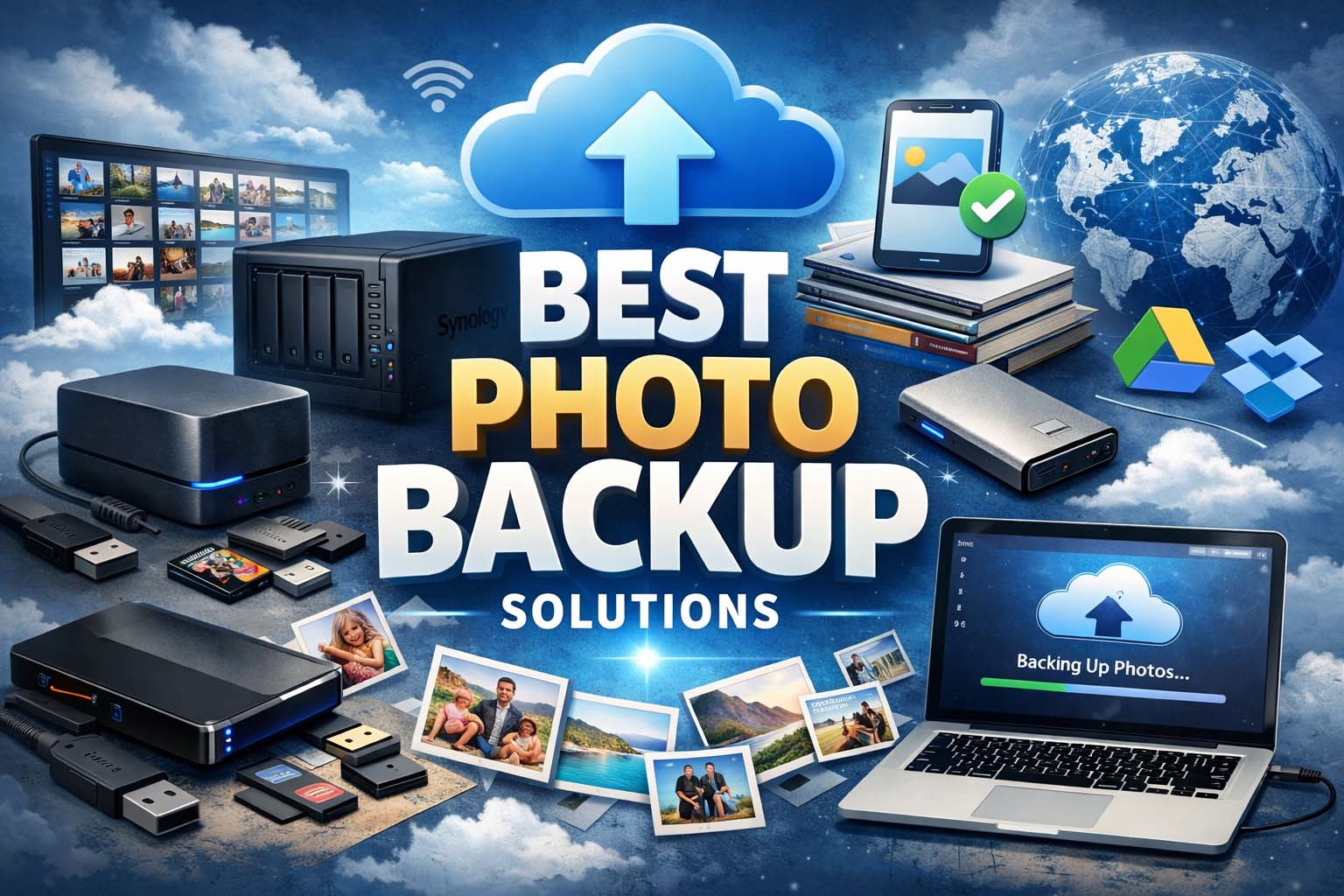
Photos capture some of life’s most valuable memories—family moments, vacations, weddings, birthdays, and everyday experiences. Losing them because of a broken phone, stolen laptop, accidental deletion, or hard drive failure can be heartbreaking. That is why finding the best photo backup solutions is so important.
Whether you are a casual smartphone user, hobby photographer, or professional creator, having a reliable backup system keeps your images safe and easy to access. In this guide, we will explore the best photo backup solutions, compare options, and help you choose the right strategy for your needs. If you regularly create photo slideshows or visual content, combining a solid backup strategy with good video editing tips can also help keep your creative projects organized and protected.
Why Photo Backup Matters
Many people assume their photos are safe because they are stored on a phone or computer. Unfortunately, devices can fail without warning. Phones get lost, laptops crash, and storage drives can become corrupted.
A proper backup protects you from:
- Device damage or theft
- Accidental deletion
- Virus or ransomware attacks
- Hardware failure
- Natural disasters
- Lost memories forever
Using one storage method alone is risky. Smart users combine multiple backup options for maximum safety.
What Makes the Best Photo Backup Solutions?
The best backup systems usually offer these benefits:
1. Automatic Backup
Photos upload automatically without manual effort.
2. Secure Storage
Files should be protected with encryption and privacy controls.
3. Easy Access
You should be able to view or restore photos anytime.
4. Large Storage Capacity
Enough space for growing photo collections.
5. Affordable Pricing
Free or low-cost plans are ideal for many users.
6. Multiple Device Support
Works across phones, tablets, and computers.
1. Cloud Storage Services
Cloud storage is one of the best photo backup solutions because it stores images online and syncs across devices.
Popular Cloud Platforms
- Google Photos
- Apple iCloud Photos
- Dropbox
- Microsoft OneDrive
- Amazon Photos
Advantages
- Automatic syncing
- Access from anywhere
- Easy sharing with family
- Protection if device is lost
Best For
Everyday smartphone users who want simple and automatic backups.
2. External Hard Drives
External hard drives remain one of the most cost-effective backup options. You can store thousands of photos without monthly fees.
Benefits
- Large storage space
- Fast file transfers
- One-time purchase cost
- Great for large image libraries
Drawbacks
- Can fail physically
- Must remember to back up manually
- Can be lost or damaged
Best For
Photographers and users with large collections.
3. SSD Portable Drives
SSD portable drives are faster and more durable than traditional hard drives. They are better for travel and daily use.
Benefits
- Faster performance
- More shock resistant
- Lightweight and portable
Best For
Travelers, content creators, and professionals needing speed.
4. Network Attached Storage (NAS)
NAS systems are personal cloud storage devices installed in your home or office. They connect to your Wi-Fi network and allow backups from multiple devices.
Benefits
- Full control over data
- Private storage
- Large expandable capacity
- Automatic home backups
Drawbacks
- Higher upfront cost
- More setup required
Best For
Families, advanced users, and photographers.
5. USB Flash Drives
USB drives are small, portable, and easy to use. While not ideal as the only backup, they can be helpful for extra copies.
Benefits
- Low cost
- Portable
- Simple drag-and-drop storage
Best For
Quick secondary backups or transferring images.
Best Backup Strategy: Use the 3-2-1 Rule
Experts often recommend the 3-2-1 backup rule:
- Keep 3 copies of your photos
- Use 2 different storage types
- Keep 1 copy offsite (cloud or another location)
Example:
- Photos on your phone
- Backup on an external drive
- Cloud backup online
This is one of the smartest best photo backup solutions because it reduces risk dramatically.
Best Solutions for iPhone Users
If you use an iPhone, strong backup choices include:
- iCloud Photos
- Google Photos
- Mac local backup
- External SSD storage
iCloud is often easiest because it works automatically with Apple devices.
Best Solutions for Android Users
Android users can benefit from:
- Google Photos
- OneDrive
- Dropbox
- External drives via USB-C
Google Photos is especially popular because of automatic syncing and search tools.
Best for Professional Photographers
Professional users need speed, capacity, and reliability.
Recommended setup:
- Fast SSD working drive
- Large external hard drive archive
- Cloud backup service
- NAS for studio storage
Professionals should never rely on one device alone.
How Often Should You Back Up Photos?
The best answer is: automatically and regularly.
Recommended Schedule
- Daily automatic cloud sync
- Weekly external drive backup
- Monthly organization review
The more valuable your photos, the more often you should back them up.
Common Backup Mistakes to Avoid
Only Using One Device
If your phone breaks, everything may be lost.
Never Testing Restores
Make sure backups actually work.
Ignoring Security
Use strong passwords and two-factor authentication.
Delaying Backups
Waiting too long increases risk.
Free vs Paid Backup Solutions
Free Options
Great for casual users with smaller libraries.
Paid Options
Better for large collections, higher quality storage, and extra security.
If your photos are priceless, paying a small monthly fee is often worth it.
Future of Photo Backup
Modern backup tools now include:
- AI search by faces or places
- Automatic duplicate removal
- Smart organization
- Faster cloud syncing
- Better privacy controls
Backup solutions continue improving every year.
Final Thoughts
The best photo backup solutions depend on your needs, budget, and photo collection size. For most people, the best approach is a mix of cloud storage and local backup drives. This gives convenience, security, and peace of mind.
If you want simplicity, choose cloud services like Google Photos or iCloud. If you need more space, add an external hard drive or SSD. Advanced users may prefer NAS systems for private control.
Your photos are memories that cannot always be recreated. Taking time today to build a backup system can protect them for years to come.